
Sample SVG files
Free SVG test files from 5 KB to 1 GB. Pick a size and download, or type any size you need.
5 KB SVG
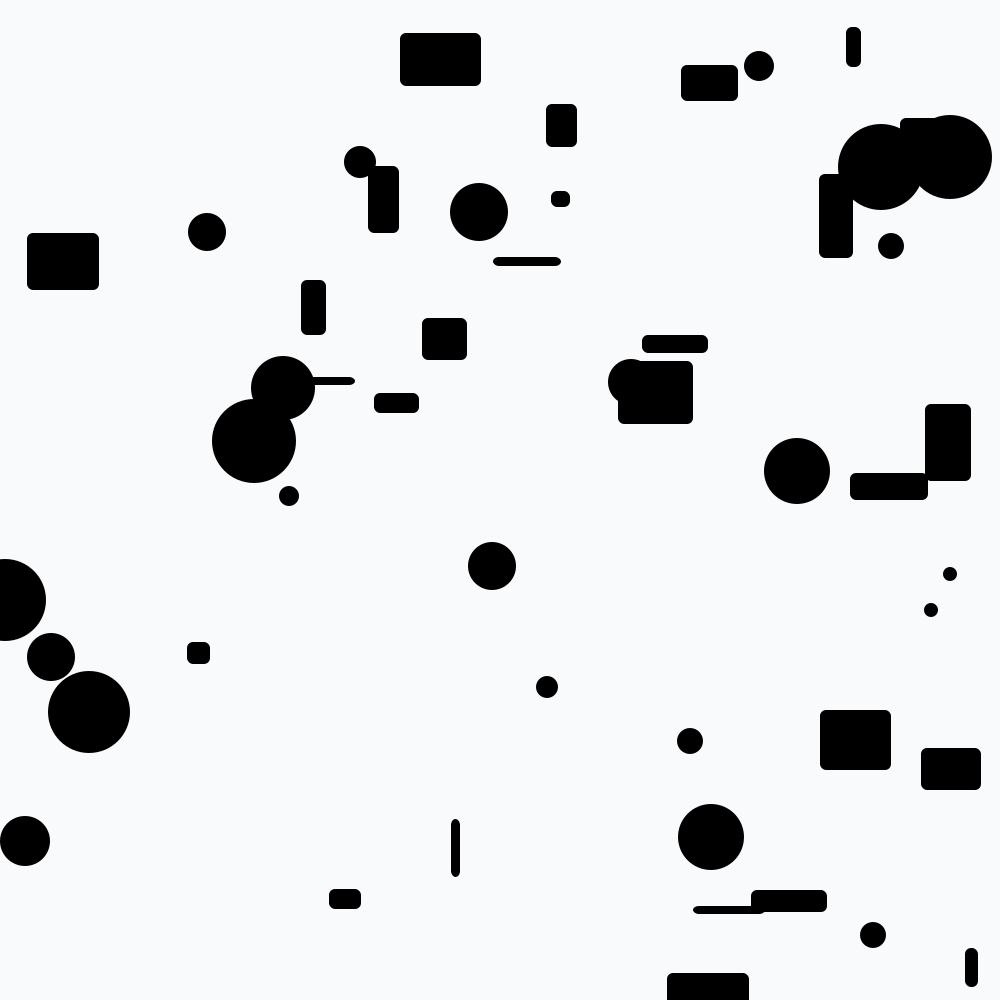
53 shapes
10 KB SVG
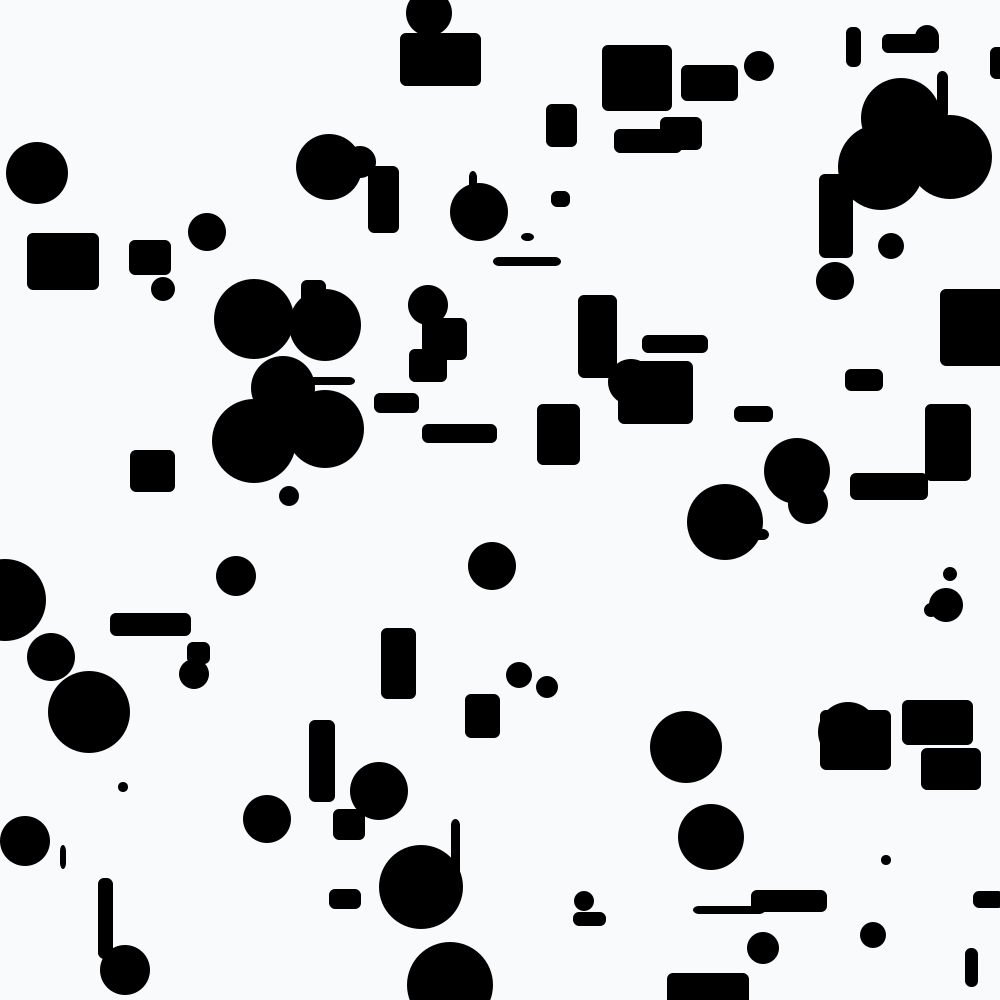
110 shapes
100 KB SVG
1,120 shapes
500 KB SVG
5,619 shapes
1 MB SVG
11,243 shapes
5 MB SVG
Made on your device
10 MB SVG
Made on your device
25 MB SVG
Made on your device
50 MB SVG
Made on your device · saved in pieces
100 MB SVG
Made on your device · saved in pieces
500 MB SVG
Made on your device · saved in pieces
1 GB SVG
Made on your device · saved in pieces



Free for any use, including commercial. Made by this site, with no third-party content and no signup.
What is inside
- A 1000 × 1000 viewBox with a light grey background
- Random circles and rounded rectangles: 110 in the 10 KB file, 11,243 in the 1 MB file, 281,250 in the 25 MB file
- Every shape is partly see-through, so overlaps blend
- Colours written as hsl() values in the comma form, which every SVG reader accepts
- An XML declaration and the standard SVG namespace
- Exact to the byte: an XML comment before </svg> fills the gap
Try it with these tools
They run in your browser. The file you downloaded stays on your device.
- SVG Viewer Open a SVG file and read it with syntax highlighting, side by side.
- SVG to PNG Rasterise a vector SVG at any size you need.
- SVG to JPG Rasterise a vector SVG to JPG at any size.
- SVG to WebP Rasterise an SVG to WebP at any size.
- SVG Minifier Strip editor metadata from an exported SVG, which is often most of the file.
- SVG to Base64 Turn an SVG into Base64, a data URI, and the CSS to use it.
About SVG files
SVG, Scalable Vector Graphics, describes a picture as shapes, paths and text in XML. There are no pixels in the file, so it stays sharp at any zoom, and you can open it in a text editor and read every shape.
SVG is used for logos, icons, charts and diagrams on the web. Browsers draw it directly, and design tools such as Figma, Illustrator and Inkscape export it.
An SVG's file size says little about how heavy it is to draw. The cost comes from the number of shapes, and see-through shapes that overlap cost more. A few megabytes of shapes can make a browser tab slow, which is why these files grow by adding shapes.
Sources: SVG 2 specification (W3C) · SVG 1.1 specification (W3C)
Questions
Why is every SVG 1000 × 1000 when the file sizes differ so much?
Because an SVG does not store pixels. The larger files hold more shapes on the same canvas, so they test drawing speed and memory, not resolution.
Which size should I use to test an SVG viewer or converter?
Start with 100 KB to check the drawing is right, then open the 25 MB file. With 281,250 shapes it shows quickly whether a viewer stays responsive or a converter runs out of memory.
Can I use these SVG images in a commercial project?
Yes. They are random shapes drawn by a script on this site, with nothing copied from anywhere, and are public domain (CC0).
Also searched as: sample svg file download, dummy svg file, test svg file, example svg file, 1 MB svg file, 10 MB svg file, 100 MB svg file, 1 GB svg file, free svg for testing.
For developers: exact bytes and SHA-256
Sizes are decimal (1 MB = 1,000,000 bytes). The hosted files never change between builds, so these checksums stay valid.
| File | Bytes | SHA-256 |
|---|---|---|
| sample-5kb.svg | 5,000 bytes | 5f581f44e57e4b59b4a024fe40ad63857c1d0ffe872b70b0913b7b8a73fcad5c |
| sample-10kb.svg | 10,000 bytes | 9a7f99d661461649e09d675de1d53f4fa56ba3f10fabd5e0e964766ebc7df60a |
| sample-100kb.svg | 100,000 bytes | 2bd75cd19b8725246cf2e2e65006c226a9f5215f67a0730c3e72db329d4da201 |
| sample-500kb.svg | 500,000 bytes | 900701c026ecd4f617c05cf8d24842906417e1e44b5b4a9af98712cf9015ddb8 |
| sample-1mb.svg | 1,000,000 bytes | d634a38d0447203516a4c2ea873fa87f1f2bd8f2284991dfbb7bb9034ddc2048 |